Automation
Social Media Automation: Coming Soon
Auto Facebook, Auto Instagram and Auto TikTok are still placeholders in the xCloudPhone dashboard. Here is the tooling you can actually use today.
3 min read
This feature does not work yet. The three pages Auto Facebook, Auto Instagram and Auto TikTok already appear in the dashboard menu, but all three sit in a Coming Soon state. There is nothing you can do on them right now.
The Automation Package group in the dashboard sidebar holds three automation pages, one each for Facebook, Instagram and TikTok. This page tells you what those pages actually do today, and more usefully, what to reach for while you wait.
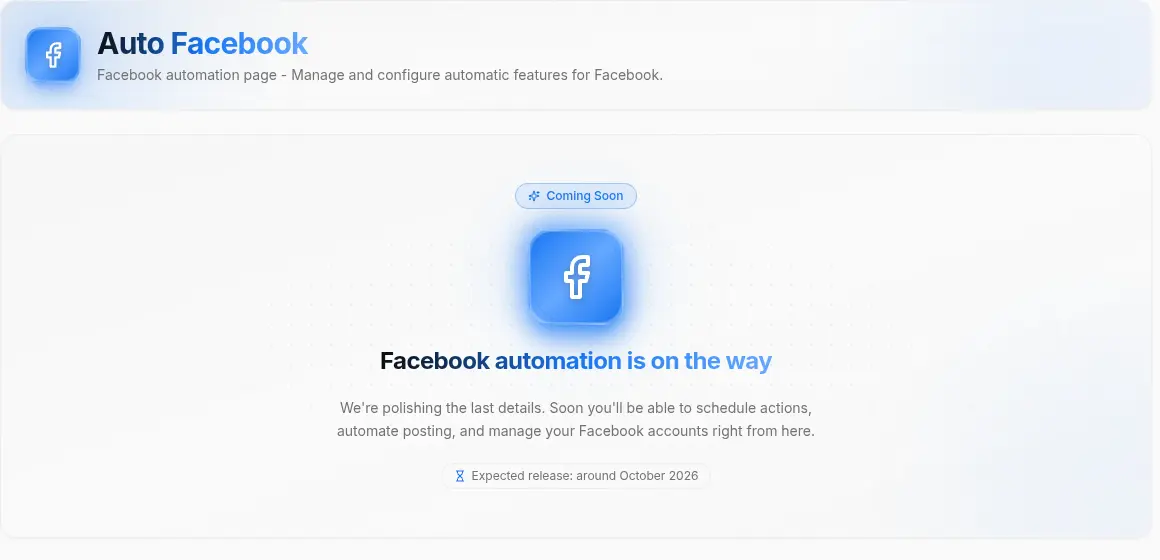
What those three pages hold today
Open any of the three and you get the page name, a short note about where the feature is headed, and a Coming Soon badge. No task form, no run button, no scenario list, no logs.
Plainly: they are placeholders. Don't rent devices expecting automation to be ready.
The feature set is in development. The dashboard page lists an expected release of around October 2026. Treat that as an estimate rather than a commitment: it can slip, and we will only announce properly once the feature genuinely works.
What to use today: Sync Control
Sync Control is live, and it covers most of what people want from "do it once, have every device follow". Add your Cloud Phones to Sync Control, select a group, issue one action, and every selected device carries it out.
The batch actions available now:
| Group | Actions |
|---|---|
| Apps | Open app · Force stop · Clear app data · Uninstall · Install app (from cloud storage or your own machine) |
| Content | Paste text · Import file |
| Device | Unlock · Reboot · Force reboot · Change device info · Factory reset |
| Network | Connect proxy · Disconnect proxy |
A few shortcuts worth knowing: Ctrl+A selects everything, Ctrl+Click picks several devices, Esc clears the selection, and right click opens the batch action menu.
Installing one app across 20 devices, pasting the same text everywhere, or rebooting a whole group each take a single action. This is the practical way to work across many Cloud Phones today.
If you run several accounts
A Cloud Phone is real hardware, so every account already lives on its own physical device. To keep them properly separate you want two more things:
- Change the device info so each device carries its own identity. Rent several at once and each one gets a distinct set of hardware IDs, never shared between them.
- Attach your own proxy so each device leaves over its own network path. xCloudPhone supports attaching proxies but does not sell or supply them; you bring your own.
Every platform has its own terms and its own abuse detection. Accounts can still be limited or banned. Staying within the terms of the platforms you use and the xCloudPhone Terms of Service is on you. Start small, ramp up slowly, and never experiment with your main account.
Hearing about it at launch
Watch the Notification Center in the dashboard, or the official channels listed on Contact Support.