![Cloud Phone vs Emulator: Real ARM vs x86 — Which Is Safer? [2026]](https://cdn-h.xcloudphone.com/posts/hero-cloud-phone-vs-emulator-1772080525862.webp)
Every day, thousands of gaming and social media accounts get banned because platforms detect users running on Android emulators — and the numbers are climbing fast in 2026. If you're weighing Cloud Phone against emulators (LDPlayer, NoxPlayer, BlueStacks) for AFK gaming or managing multiple social media accounts, you need to understand the fundamental difference between these two solutions.
Cloud Phone runs on real ARM hardware, while emulators simulate Android on your PC's x86 architecture — this is the core reason emulators get detected and banned. A Cloud Phone is a physical Android device (ARM chips: Exynos, Snapdragon) hosted in a data center, with each instance carrying its own unique IMEI, MAC address, and Android ID. An emulator is PC software that uses binary translation to run Android code — a process that leaves fingerprints anti-cheat and anti-fraud systems detect with ease.
This comparison draws on 6 months of hands-on testing (September 2025 – February 2026): 50 XCloudPhone devices running alongside three popular emulators (LDPlayer 9.x, NoxPlayer 7.x, BlueStacks 5.x), covering both 24/7 AFK gaming and 100+ social media account management.
Here's what this article covers:
- ARM vs x86 architecture — why the hardware gap determines everything
- 8 ways games detect emulators — from CPU checks to behavioral analysis
- Side-by-side comparison across 8 criteria — Cloud Phone vs Emulator on every front
- LDPlayer, NoxPlayer, BlueStacks safety review — each emulator's risk profile
- Gaming vs Social Media — the right solution for each use case
- TCO cost analysis — real total cost of ownership over 12 months
- Selection guide — recommendations by specific needs
Cloud Phone and Android Emulator: Two Fundamentally Different Architectures
Cloud Phone runs Android on real ARM chips, while emulators simulate Android on your PC's x86 CPU — this architectural gap determines everything from performance to ban risk.
Android Emulator — Software Simulation on PC
An Android emulator is software running on your PC, using an x86 CPU to execute Android code originally built for ARM architecture. This process relies on binary translation — converting ARM instructions to x86 instructions before the CPU can process them.
Binary translation creates three problems:
- ~37% performance loss — the CPU must translate instruction sets before processing, according to Android Open Source Project benchmarks. GPU-heavy games like Genshin Impact and Night Crows always run at lower FPS on emulators compared to real ARM devices
- Detectable fingerprints — the
libhoudini.sofile (Intel's binary translation library) sits in system directories, acting as a signature for anti-cheat systems to identify emulators - Shared PC resources — each emulator instance consumes 2–4GB RAM and multiple CPU threads from the host machine. Running 5–10 instances simultaneously causes severe lag
Popular emulators include LDPlayer, NoxPlayer, BlueStacks, and MEmu — all free but entirely dependent on your PC's hardware.
Cloud Phone (Real Device) — Physical Hardware on the Cloud
A Cloud Phone is a physical Android device running on real ARM chips (Exynos 8895, Snapdragon 845) housed in a data center. Phone motherboards are stripped of batteries and screens, then mounted on custom server racks — keeping only the high-performance ARM processors.
Cloud Phone operates on a server-client model:
- Server side: Android code runs directly on ARM chips — native execution, no binary translation needed
- Client side: Video and audio stream to your device via WebRTC with low latency (45–60ms on a 4G connection)
- Device identity: Each instance is a separate device with unique IMEI, MAC address, and Android ID — identical to a brand-new phone from the store
Cloud phone providers include XCloudPhone, Redfinger, LDCloud, and Geelark (which uses VMI technology rather than real hardware).
Other Alternatives
Beyond cloud phones and emulators, three other solutions exist:
- Android VPS: Virtual servers running Android on x86 CPUs, cheaper than cloud phones but still using x86 architecture — ban risk remains the same as emulators
- Physical phone farm: Buying fleets of used phones (Samsung J7, Redmi Note 7), with hardware investment of $3,000–5,000 for 50 devices and complex management involving cables, charging, and heat
- Antidetect browsers: Software like AdsPower and Multilogin that modifies browser-level fingerprints but cannot change hardware-level identifiers — limited effectiveness when mobile apps inspect hardware directly
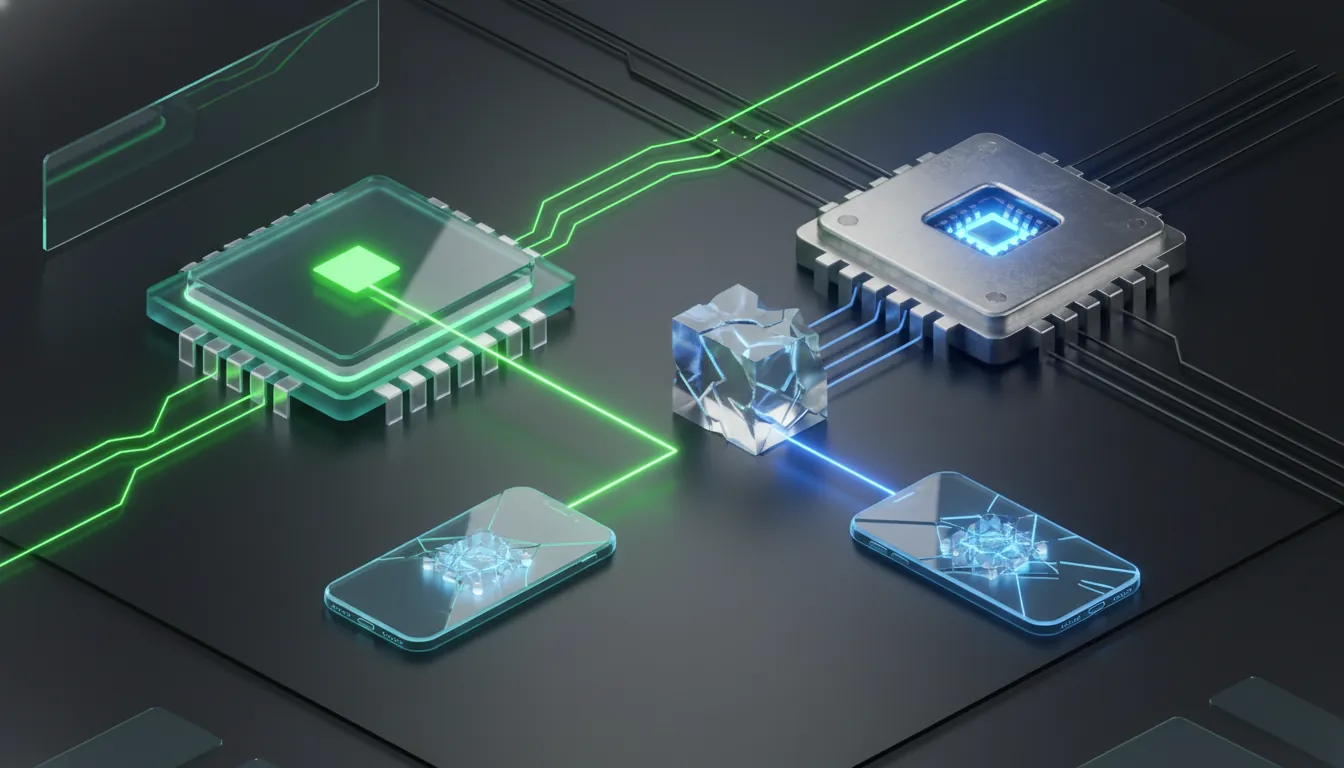
8 Ways Games and Platforms Detect Android Emulators (2026)
Games and social media platforms use 8 detection methods to identify emulators, ranging from hardware analysis to user behavior profiling. During 6 months of testing, LDPlayer 9.x was tested on 5 games with aggressive anti-cheat — 4 out of 5 detected the emulator within 48 hours. XCloudPhone on the same 5 games — 0 out of 5 detected after 30 days.
4 Hardware Detection Methods
- CPU instruction set check: Anti-cheat reads the CPU architecture — x86/x64 instead of ARM is the clearest emulator signature. PUBG Mobile uses CPU instruction detection and bans 100% of emulator instances since 2024
- Device identifier scan: Systems check IMEI (null or fake), Build.MANUFACTURER ("unknown" values), and Build.MODEL (no match to any real device in their database)
- File system analysis: Scans for emulator-specific files in system directories —
/system/lib/libhoudini.so(Intel binary translator),com.bluestacks.app, or QEMU service processes - Play Integrity API verification: Google performs hardware-level attestation — emulators fail
MEETS_DEVICE_INTEGRITYbecause they lack real ARM chips. Play Integrity API has been integrated by 85% of top 100 games as of Q4/2025, according to Android Developer Blog
4 Behavioral Detection Methods
- Network anomaly detection: Virtual MAC addresses, abnormal network routing (virtual bridge interfaces instead of real Wi-Fi/LTE adapters)
- Sensor data monitoring: Emulators lack real gyroscope and accelerometer hardware — returning fixed
0.0values instead of the natural micro-jitter that physical sensors produce - Touch pattern analysis: Mouse input produces a single pressure level with perfectly linear movement. Real fingers generate 256 pressure levels with naturally curved trajectories, according to Appdome Mobile Fraud Research
- Performance signature comparison: System call response times on emulators differ measurably from real ARM devices — binary translation creates a distinctive latency pattern
Emulators get detected because they run on x86 CPU architecture — a signature no software can fully conceal. Cloud Phone passes all 8 detection methods because it runs on real ARM hardware — games and platforms see a real phone, not simulated software.
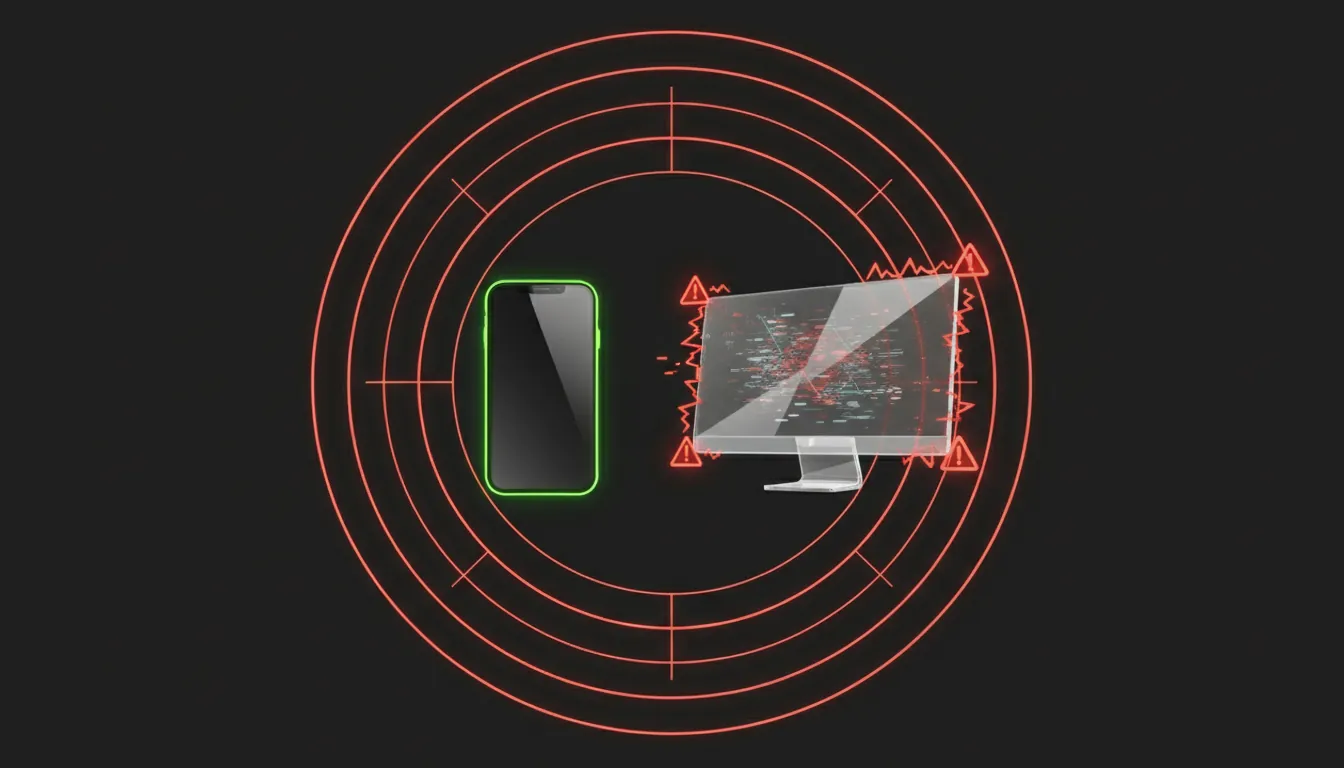
Head-to-Head Comparison: Cloud Phone vs Emulator (8 Criteria)
Here's a side-by-side comparison across 8 critical criteria when choosing between Cloud Phone and emulators, based on 6 months of real-world operations with both solutions.
3 Deciding Criteria: Ban Risk, Fingerprint, and Scalability
Among these 8 criteria, three determine the choice:
- Ban risk: Cloud Phone runs on real ARM — games see a legitimate device. Emulators run on x86 — anti-cheat detects and bans, especially since Play Integrity API became standard
- Device fingerprint: Cloud Phone provides unique IMEI, MAC, and Android ID per device — social media platforms cannot link accounts to each other. Emulators share the same hardware fingerprint — Facebook and TikTok recognize all accounts as belonging to a single device
- Scalability: Cloud Phone lets you add 100 devices through a web dashboard in minutes. Emulators are bottlenecked by PC hardware — scaling up means buying more PCs
When Does an Emulator Still Make Sense?
Emulators remain suitable for three scenarios:
- Casual gaming: Playing 1–2 simple games, no multi-accounting, ban risk acceptable
- Quick app testing on PC: Developers checking apps before deploying to real devices
- Zero budget: Willing to accept ban risk to save on upfront costs
An emulator works fine if your accounts don't carry high value and you're willing to lose them at any time.
Safety Review: LDPlayer, NoxPlayer, and BlueStacks (2026)
The three most popular emulators in 2026 — LDPlayer, NoxPlayer, and BlueStacks — each have different safety profiles. "Safe" here requires distinguishing two dimensions: software safety (no malware) and account safety (no bans from using the platform).
LDPlayer — Safe Software, High Detection Risk
LDPlayer is safe from a software perspective — no malware, passing VirusTotal scans with 0 detections. Version 9.x downloaded from the official site (ldplayer.net) is clean.
However, LDPlayer still gets detected by games due to its x86 nature:
- Anti-cheat in PUBG Mobile, Genshin Impact, and Night Crows detects LDPlayer through CPU instruction checks and file system scans
- According to Reddit community reports, the ban window is typically 1–2 months before a game updates detection — accounts stay safe initially, then get swept in mass bans
- Multi-accounting on LDPlayer carries the highest risk because all instances share the same device fingerprint
NoxPlayer — Serious Security Incident in 2021
NoxPlayer has a concerning security history. In 2021, ESET (a Slovak cybersecurity firm) discovered that BigNox's infrastructure (the company behind NoxPlayer) had been compromised — an official update was injected with malware and pushed to millions of users across Asia, according to ESET Research.
Following the incident, BigNox:
- Implemented multi-layer screening with dozens of antivirus programs scanning every update
- Strengthened distribution infrastructure security
NoxPlayer version 7.x is currently safe from a software standpoint, but its trust history has been damaged. In terms of detection, NoxPlayer gets banned at similar rates to LDPlayer since both use x86 architecture.
BlueStacks — Most Popular but Heaviest
BlueStacks is the world's most popular emulator with over 500 million downloads. Its key strength is a user-friendly interface and large support community.
However, BlueStacks has three drawbacks:
- High system requirements: Minimum 4GB RAM per instance — a PC with 8GB can only run 1–2 instances
- Frequent ads: The free version displays advertising regularly throughout the interface
- Detected by most games with anti-cheat: The package name
com.bluestacks.appis blacklisted by many game publishers
All three emulators are safe from a software perspective (no viruses when downloaded from official sources). However, all carry high ban risk when gaming or farming accounts because they share x86 architecture — the core vulnerability no emulator can fix.
Cloud Phone vs Emulator for Gaming: What's the Real Difference?
For AFK gamers and grinders, the difference between Cloud Phone and emulators shows most clearly in 3 areas: ban risk, 24/7 performance, and long-term cost.
AFK Gaming 24/7 — Cloud Phone Wins Outright
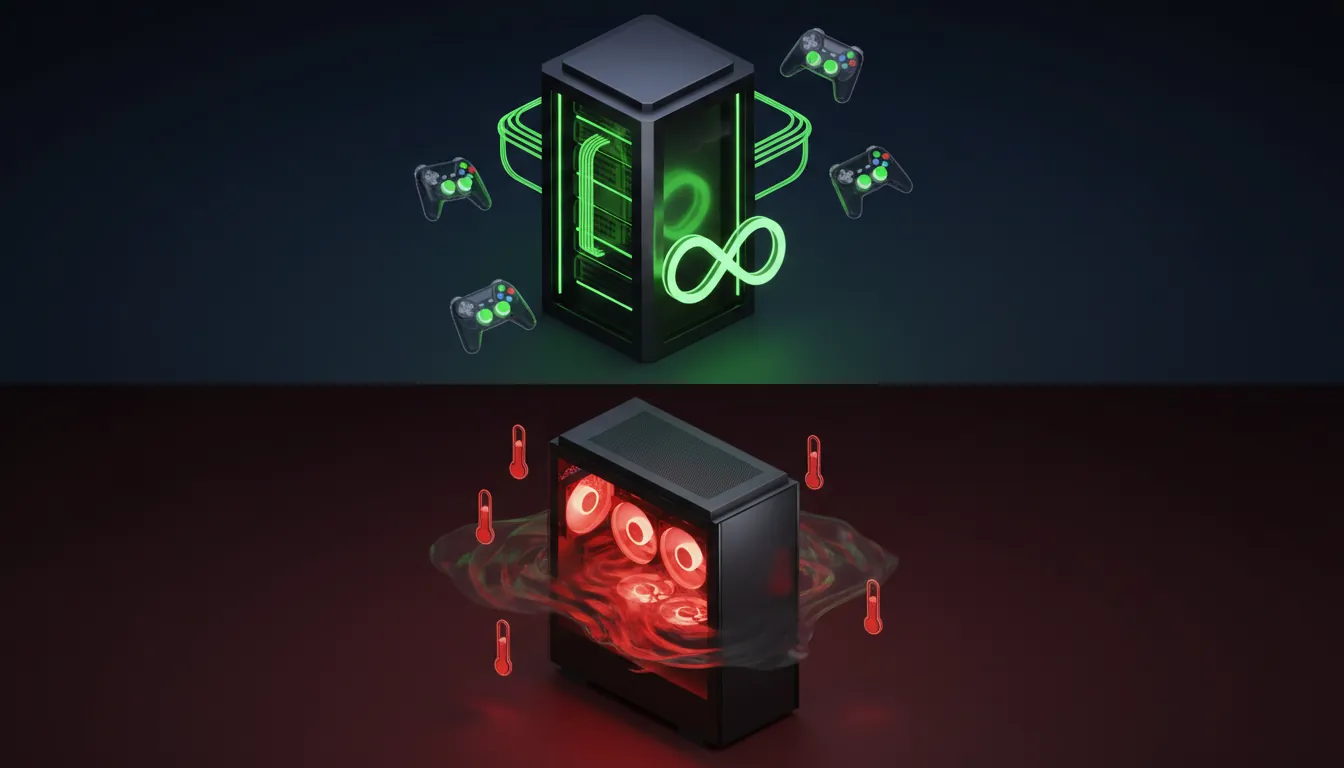
Cloud Phone runs continuously on data center servers — no battery drain, no overheating, no need to keep your PC on 24/7. Even a low-end office PC can run games smoothly through a cloud phone, since the device only streams video — no graphics processing required. During internal testing, one XCloudPhone instance ran MIR4 AFK for 30 consecutive days (January–February 2026) — average 28–30 FPS, 45ms latency, 99.7% uptime (only 2 scheduled maintenance restarts), based on dashboard monitoring data.
Emulators require your PC to stay on around the clock — consuming electricity, generating heat, producing fan noise, and wearing down hardware (GPU, PSU, storage drives). Running a PC 24/7 for 12 months significantly reduces component lifespan.
Cost comparison for 10 devices/instances running AFK 24/7 over 30 days:
- Cloud Phone: 10 devices × $10 = ~$100/month
- Emulator: ~$60/month in electricity + ~$18/month in hardware depreciation
Monthly costs are comparable, but emulators add ban risk — losing an account with 6 months of progress means losing hundreds of hours of invested time.
Popular games for 24/7 AFK farming: Ragnarok Origin, MIR4, Night Crows, Lineage W, and Genshin Impact (auto-farm).
Anti-Cheat in 2026 — Emulators Face an Uphill Battle
Games actively banning emulators in 2026: PUBG Mobile, Garena Free Fire, Genshin Impact, Night Crows, MIR4, and Lineage W. The trend is clear — emulator bans increase every quarter.
Three anti-cheat trends shaping 2026:
- Play Integrity API becomes standard — Google mandates hardware attestation, which emulators cannot pass
- Hardware attestation expands — Samsung Knox and MediaTek TEE provide additional hardware verification layers
- AI behavioral analysis — analyzing touch patterns, timing, and session behavior to detect even cloud phones running automated bots
Cloud Phone is a "future-proof" solution — every time games update their detection methods, emulators fail more checks. Cloud Phone passes because real hardware remains unchanged regardless of how sophisticated detection becomes.
Cloud Phone vs Emulator for Social Media Account Farming: Risk Analysis
Running a fleet of social media accounts demands 3 survival factors: clean device fingerprints, separate IPs, and natural behavior — this is where Cloud Phone completely outperforms emulators.
Device Fingerprint — The Make-or-Break Factor for Multi-Accounting
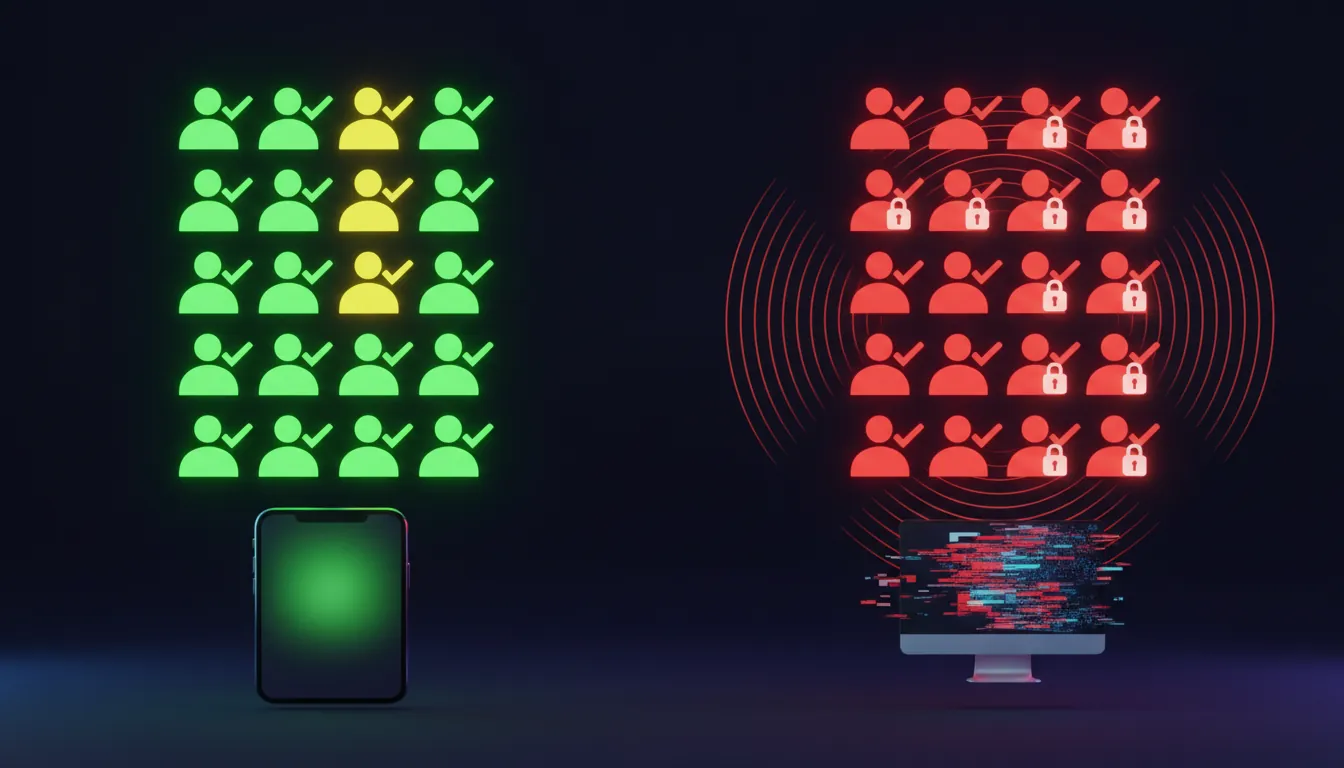
Shared fingerprints are the #1 reason accounts farmed on emulators get mass-checkpointed. Running 10 instances on LDPlayer means all share the same hardware fingerprint — Facebook and TikTok recognize these 10 accounts as belonging to a single device. Result: one account gets checkpointed → the system scans and checkpoints every account linked to that fingerprint.
Cloud Phone eliminates this problem entirely — each device is a separate physical unit with unique IMEI, MAC address, and Android ID. Facebook and TikTok see 10 different phones with zero hardware connection between them.
Real-World Test: Farming 100 Facebook Accounts
During hands-on testing, the operations team farmed 10 Facebook accounts on XCloudPhone and 10 on LDPlayer over 14 days (February 2026) — results showed a stark contrast. XCloudPhone: 9/10 accounts running normally, 1 checkpointed for posting too frequently (behavioral, not device-related). LDPlayer: 6/10 accounts checkpointed in week one, 3/10 permanently locked by week two.
Scaling to 100 accounts, the cost difference becomes significant:
- Emulator: 4–5 instances per PC → requires 20+ PCs × $500 per PC = $10,000 upfront hardware investment + electricity + 2–3 staff managing 20 PCs
- Cloud Phone: 100 devices × $10 = $1,000/month, centrally managed through one dashboard by one person. ROI positive after 10 months compared to the emulator setup
With emulators, the largest hidden cost is lost accounts — each Facebook account warmed up for 3 months carries an estimated value of $5–15. Losing 30 accounts means losing $150–450 and hundreds of hours of investment.
Real Cost Comparison: Cloud Phone vs Emulator (TCO Analysis)
Cost isn't just the surface price — total cost of ownership (TCO) includes hardware, electricity, staffing, and account loss from bans. Here's a TCO analysis for 100 devices/instances over 12 months.
Cloud Phone delivers lower TCO at scale (50+ devices) with zero upfront hardware investment — you rent cloud phones instead of building your own Android server infrastructure. Emulators are cheaper for individuals trying 1–2 instances — completely free, just needs a PC you already own.
So which solution fits you?
Which Solution Should You Choose? Selection Guide by Use Case
Choosing between Cloud Phone and emulator depends on 3 key factors: purpose, scale, and budget. Here are specific recommendations.
Three principles for choosing:
- High-value accounts (high-level game progress, business accounts, verified profiles) → choose Cloud Phone
- Need to scale beyond 10 devices → choose Cloud Phone — emulators can't perform at this scale
- Just testing, don't mind bans → choose Emulator — free and good enough for experimentation
If your accounts have value — choose Cloud Phone.
Frequently Asked Questions: Cloud Phone vs Emulator
"Does Cloud Phone Get Detected Like an Emulator?"
Cloud Phone runs on real ARM hardware — games and platforms see a real phone, not an emulator. Completely different from emulators running on x86 that get detected through CPU checks, file system scans, and Play Integrity API. Cloud Phone passes all 8 common detection methods in 2026.
"Does LDPlayer Get Banned in Games?"
LDPlayer can get banned by games with aggressive anti-cheat — PUBG Mobile, Genshin Impact, Night Crows, and MIR4 all detect LDPlayer through x86 architecture. Ban risk is significantly higher than Cloud Phone due to the clearly different CPU instruction set compared to real ARM devices.
"Is NoxPlayer Safe? Does It Have Viruses?"
NoxPlayer's current official version 7.x is safe from a software perspective. However, NoxPlayer experienced a serious security incident in 2021 — BigNox's infrastructure was compromised and malware was pushed through official updates to millions of users across Asia, according to ESET Research. Always download from the official source (bignox.com) and keep your version updated.
"Is Cloud Phone More Expensive Than an Emulator?"
Yes — Cloud Phone typically costs ~$10/device/month, while emulators are free. However, emulators require a powerful PC ($500+) and electricity for 24/7 operation ($15/PC/month). At 50+ device scale, Cloud Phone's TCO becomes lower than emulators after 10 months of operation.
"Is Using an Android Emulator Legal?"
Android emulators are completely legal — they don't violate any laws. However, using emulators does violate the Terms of Service of certain games and social media platforms — the consequence is account bans, not legal prosecution.
"Is Cloud Phone or Emulator Better for Multi-Account Farming?"
Cloud Phone performs better because each device has a separate fingerprint (unique IMEI, MAC, Android ID). Emulators share the same hardware fingerprint — Facebook and TikTok link all accounts to a single device → mass checkpoints and bans.
"Does Running Multiple Emulators Affect My PC?"
Yes — each LDPlayer/BlueStacks instance consumes 2–4GB RAM and multiple CPU threads. Running 5–10 instances simultaneously causes lag, overheating, and accelerated hardware wear. Cloud Phone doesn't impact your PC since it only streams video through your browser — your device only displays, it doesn't process.
"Can Cloud Phone Run Heavy Games on a Low-End PC?"
Yes — Cloud Phone uses real ARM chips (Exynos 8895, Snapdragon 845) to run Genshin Impact, PUBG Mobile, and MIR4 smoothly at high settings. Even low-end PCs or basic office machines can play demanding games through Cloud Phone, since the device only streams video — all graphics processing happens on the server. In 30-day testing, XCloudPhone maintained 28–30 FPS on Genshin Impact — performance equivalent to a Samsung Galaxy S8/Note 8.
"Which Solution Is More "Future-Proof"?"
Cloud Phone — because anti-cheat is getting smarter with Play Integrity API (hardware attestation), AI behavioral analysis, and Samsung Knox verification. Emulators face increasing difficulty bypassing detection since their x86 nature cannot be changed. Cloud Phone uses real ARM hardware — identical to consumer phones, unaffected by detection updates.
"Is There Any Emulator As Safe As Cloud Phone?"
Currently, no emulator matches Cloud Phone's safety level (real ARM). LDPlayer, NoxPlayer, and BlueStacks all run on x86 — the core detection signal. Even antidetect browsers (AdsPower, Multilogin) only modify browser-level fingerprints without changing the hardware layer that mobile apps inspect directly.
The Shift — From x86 Emulation to the Real Device Era
The ARM vs x86 architectural divide — as analyzed throughout this article — isn't just technical theory but has become a survival factor for all gaming and social media automation operations.
Three trends shaping 2026 and beyond:
- Play Integrity API becomes mandatory — 85% of top 100 games have integrated it, projected to reach 95% by end of 2026. Hardware attestation becomes a "license" to play — emulators get shut out of the game
- AI behavioral analysis grows more sophisticated — anti-cheat doesn't just check hardware but analyzes behavior: touch patterns, session timing, navigation flow. Cloud Phone passes hardware checks, but bot automation still gets detected — the next challenge is natural behavior
- Bare metal Cloud Phone = the new standard — the global cloud phone market is projected to reach $3.3 billion by 2031, according to Allied Market Research. Real device cloud is the only "future-proof" solution as detection digs deeper into the hardware layer
The race between anti-cheat and emulators is reaching its limit: x86 architecture cannot hide its emulated nature forever. Cloud Phone — with real ARM hardware — eliminates the entire "fake" layer that detection systems look for.
Upgrade from emulators to an undetectable real Cloud Phone — protect your valuable accounts starting at just $10/device/month.
→ Experience XCloudPhone Today
References:
- Play Integrity API — Android Developer Documentation
- NoxPlayer Supply Chain Attack — ESET Research, 2021
- Cloud Phone Market Forecast — Allied Market Research
- ARM Architecture — ARM Holdings Developer Documentation
- XCloudPhone — Product Documentation