Storage full and can't download Genshin Impact or ZZZ? Discover XCloudPhone: Play 30GB+ games smoothly at Max Settings with zero local storage required.
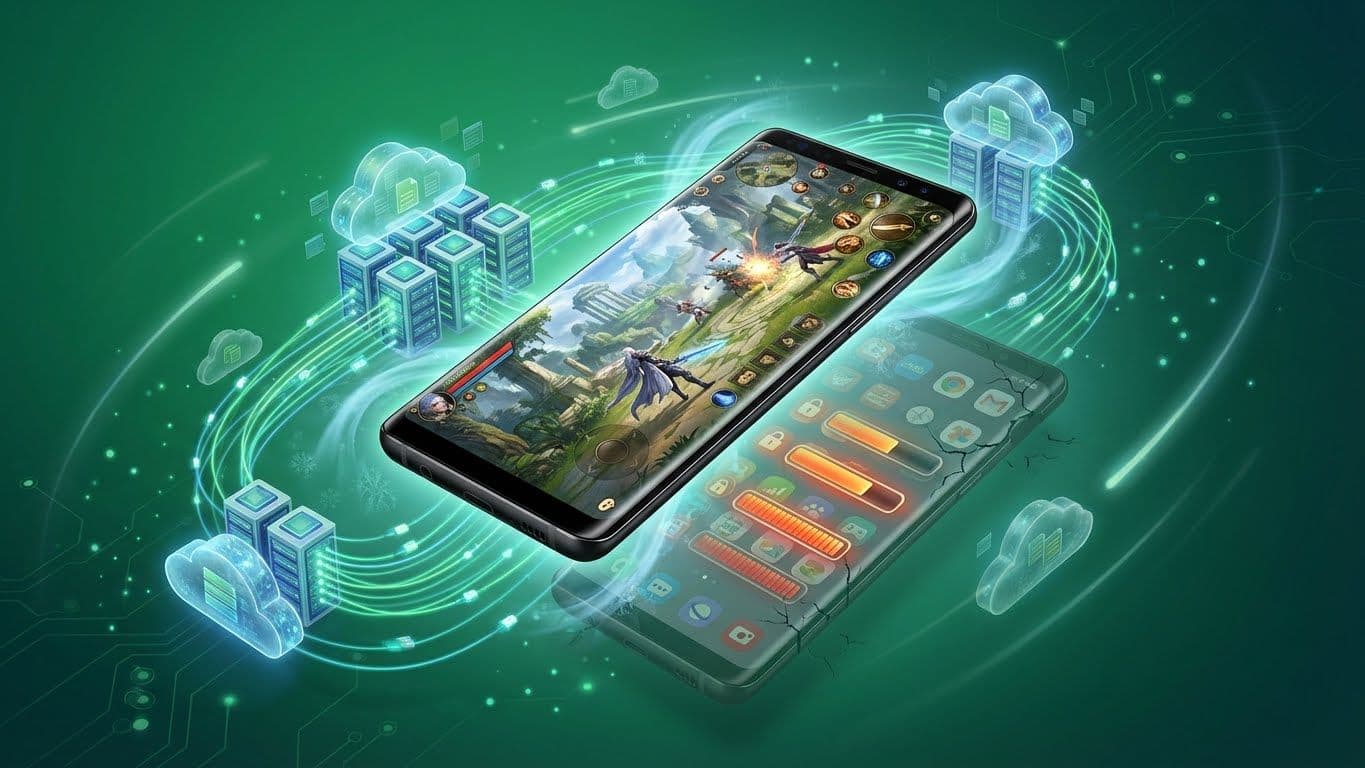
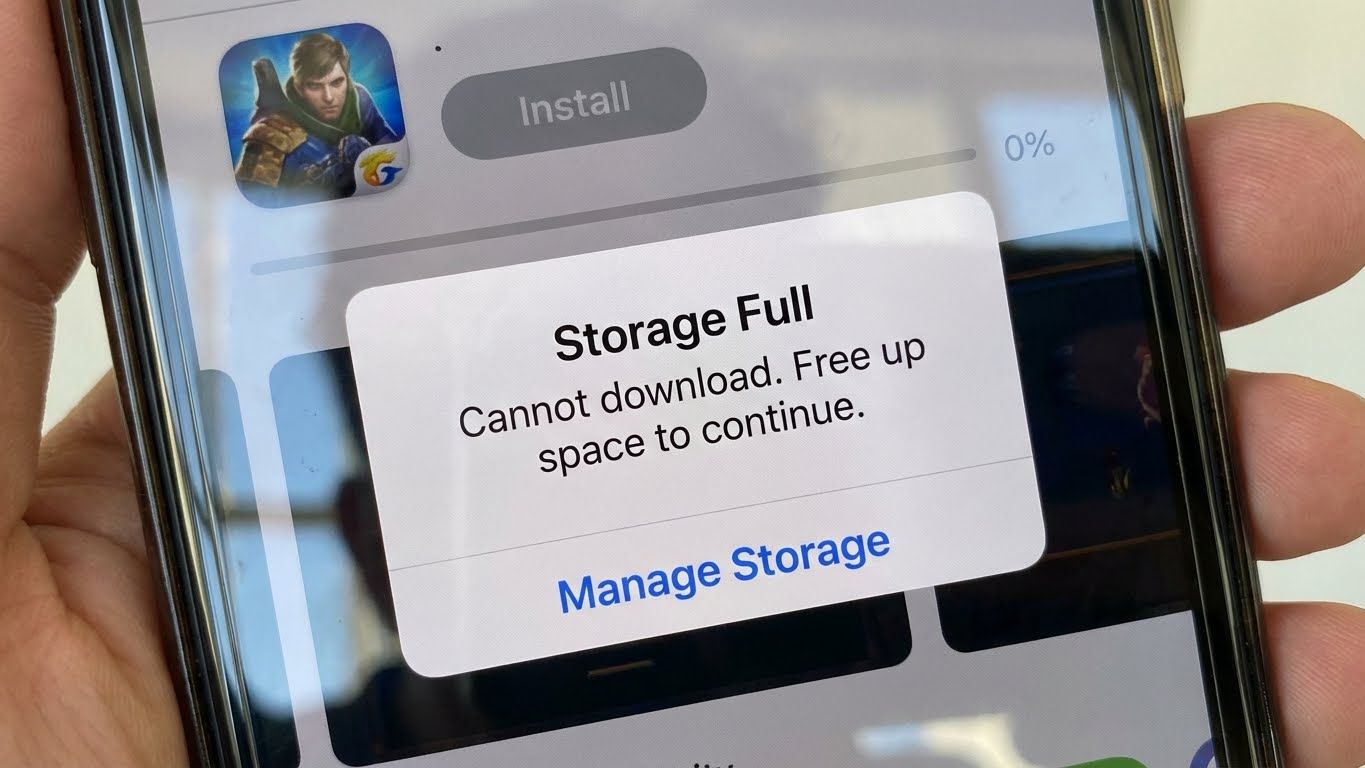
🛑 Red Alert: When "Your Phone" Gives Up on Blockbuster Games 2026Notification of insufficient storage space on phone when user tries to download or update heavy mobile games
You wake up excited, pick up your phone to update the latest version of Genshin Impact (with snowy Snezhnaya land) or the epic hack-and-slash Zenless Zone Zero. The progress bar reaches 60%, then suddenly stops. A familiar but haunting notification appears, stopping all your entertainment joy:
"Insufficient storage. Please free up 8GB to continue installation."
This isn't just your story. It's the harsh reality faced by millions of mobile gamers in 2026.
Have you ever had to choose between deleting family photos or your favorite game? With 20 years of experience in optimizing mobile gaming experiences, I affirm: this problem is no longer "normal" – it's becoming the biggest obstacle for Vietnamese gamers.
Why Are Games Getting Heavier?
We are living in the golden age of Mobile Games, where the line between phone graphics and PC is gradually blurring. To deliver top-notch graphics (Unreal Engine 5), expansive open worlds, and cinematic storylines, developers are forced to push game sizes to record levels:
Genshin Impact: Surpassed 35GB on mobile with full audio resources and maps.
Honkai: Star Rail: Nearly 25GB with sharp 4K cutscenes.
Zenless Zone Zero: Minimum 22GB free space required for resource extraction.
Wuthering Waves / PUBG Mobile: Consume from 15GB to 20GB after skins and maps are downloaded.
Hard Puzzle for 64GB/128GB Phones
If you own a 64GB or 128GB phone, your storage space is truly a "precious" and cramped "real estate":
Operating System: Already occupies 15-20GB by default.
Essential apps: Zalo, Facebook, TikTok, Banking apps... take up an additional 20-30GB.
Personal data: Photos, videos occupy 20GB.
Result? You only have 30-40GB free. Installing a heavy game exhausts your device's "breath", leaving no space for cache, causing slowdowns, lag, and overheating. You are forced to make a painful choice: delete memories or delete games?
But wait! Don't rush to delete anything. The technology of 2026 offers a breakthrough solution to "bypass" hardware limitations. That is XCloudPhone – real Android hardware, not emulation.
☁️ What Is XCloudPhone? Decoding the "Play Games Without Download" Technology
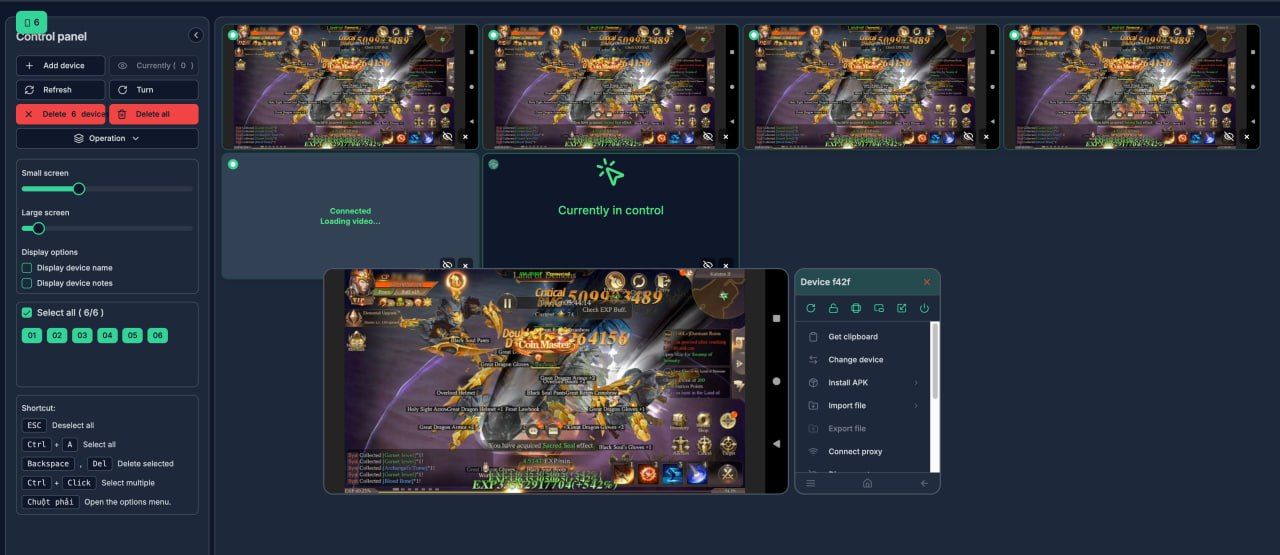
Smooth high FPS heavy mobile gaming on XCloudPhone
Many people mistakenly think "Playing without download" is just low-graphics web games or scam ads. Wrong! With XCloudPhone, we are talking about playing the heaviest AAA titles in the world through advanced Cloud Gaming technology – and most importantly: 100% real hardware.
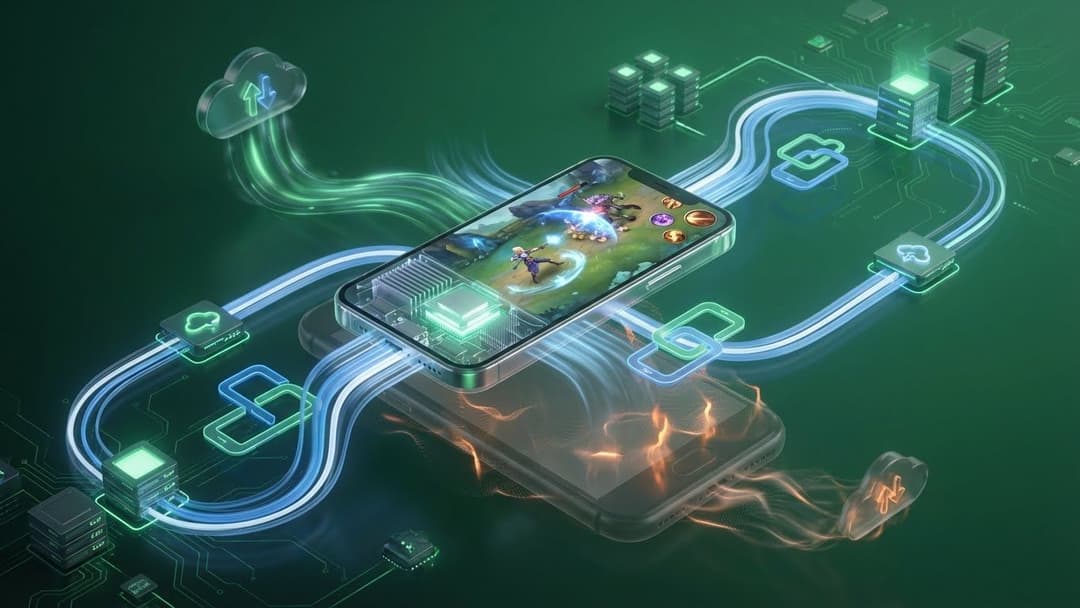
How Cloud Phone Works
Imagine renting a supercar, but instead of driving it home (which takes up parking space), you control it remotely via a control screen.
Massive hardware: XCloudPhone owns thousands of real Android devices (using high-end Exynos/Snapdragon chips) located at Tier 3 standard Data Centers.
Cloud Rendering: When you play, all heavy tasks like graphics processing, physics calculations, data storage... happen on the powerful server of XCloudPhone.
Streaming: The game's visuals and sound are transmitted to your phone as high-quality video in real-time. Your phone only acts as a display and controller.
The Difference Between XCloudPhone and Emulators
This is the most important technical point that gamers need to understand:
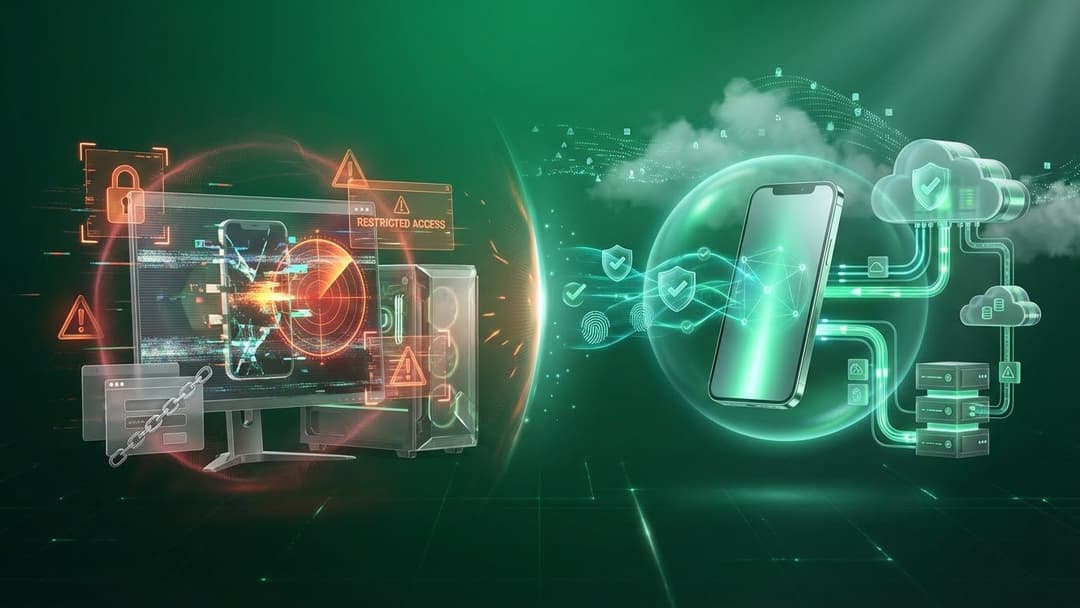
PC Emulators (Bluestacks, LDPlayer): Run on PC, emulate Android environment on x86 architecture. Very heavy on PC and easily detected by anti-cheat systems, leading to bans.
XCloudPhone: Is a real physical Android device (Real Device) running on ARM architecture. Games recognize your device as a normal Samsung, Xiaomi, or Oppo. Therefore, compatibility is 100% and absolutely safe for accounts – undetectable.
🚀 5 "Survival" Benefits When Using XCloudPhone on Low-End Devices
Unlimited Storage Expansion (Zero Storage Footprint) This is the ultimate solution for "Out of Storage" problems. When renting XCloudPhone, you download games directly to the cloud storage. Your real phone consumes 0GB. You only need a web browser (Chrome/Safari) or a super lightweight control app (~20MB). You can play Genshin Impact (35GB), Honkai Star Rail (25GB), and PUBG (15GB) simultaneously while your device's actual storage remains free for photos and videos.
Max Graphics Settings on "Low-End" Devices Old phones usually have to play games at Low Settings, turning off effects like shadows and anti-aliasing to avoid lag. The gaming experience becomes poor with blurry, pixelated images. With XCloudPhone, you leverage the power of top-tier server chips. You can confidently set:
Resolution: High/Highest.
FPS: 60 FPS smoothly.
Graphics: Max Settings. The images streamed to your device will be as sharp as HD 1080p movies, regardless of your actual hardware's weakness.
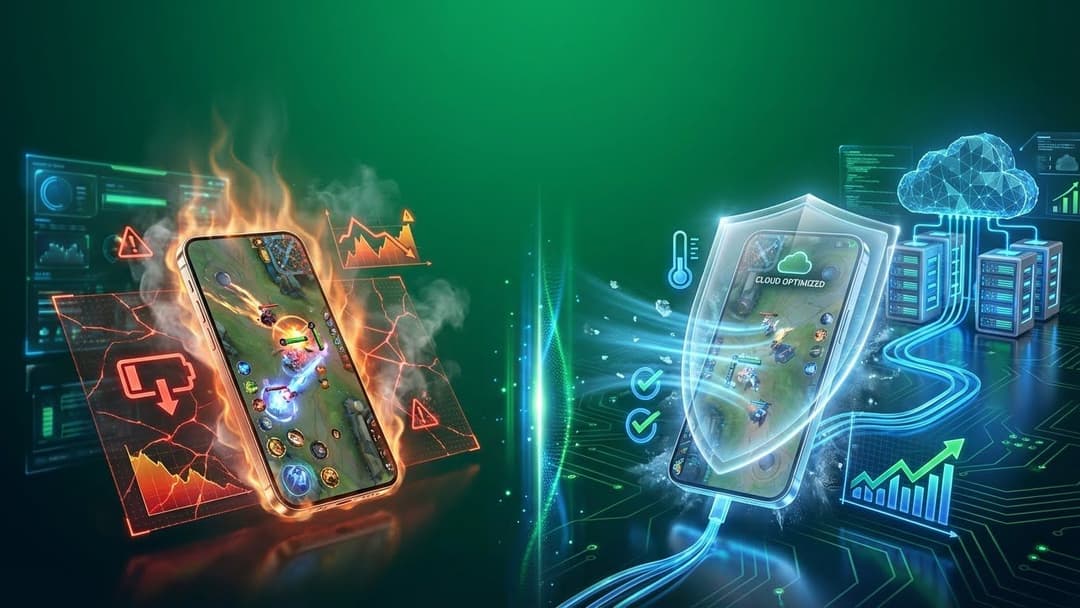
"Firewall" to Prevent Overheating & Battery Drain Temperature is the number one enemy of electronic components. Heavy gaming causes your device to heat up to 45-50°C, leading to Thermal Throttling, darkened screens, and swollen batteries. XCloudPhone creates a physical separation:
Heat generated during gaming occurs on the server (cooled by precise industrial air conditioning).
Your phone remains cool because it only receives light video streams.
Battery saving: Power consumption is comparable to watching YouTube, doubling or tripling battery lifespan compared to direct gaming.
Super Fast Game Download (Gigabit Connection) Is your home WiFi slow? Downloading a 10GB update takes hours? XCloudPhone's Data Centers are equipped with enterprise-grade broadband. Game downloads typically reach 50-100MB/s. Downloading a heavy game only takes a few minutes, letting you jump into the game immediately without waiting endlessly.
24/7 AFK Farming (Game Automation) This "divine" feature is perfect for grinding (Blox Fruits, VLTK, MU Online...). You can turn off your phone, go to sleep, and the game on XCloudPhone still runs on the server 24/7. Wake up to your rewards without harming your device or wasting electricity.
📱 How to Use XCloudPhone: Play Heavy Games in 3 Minutes
The process is extremely simple, requiring no technical knowledge (No-code).
Step 1: Access and Register
Visit the official website XCloudPhone.com. Register an account.
Step 2: Choose Cloud Phone Plan
Depending on your gaming needs, select the appropriate package:
Step 3: Download Games in the Cloud
After payment for device rental (flexible packages by hour/day/week/month), the Android interface will appear immediately on your web browser.
Click the Google Play Store icon.
Log in with your Google account.
Find your game and press Install. (Download speed will surprise you!).
Step 4: Play the Game
Open the game and play normally.
Need to leave the device on? Just close the browser tab. The game continues running in the background.
Want to continue playing? Reopen the web, and you will return to the same spot.
Pro tip from experts: Use the one-click device info change feature to manage multiple accounts safely, avoiding anti-cheat issues.
💰 Economic Calculation: Upgrade Your Device or Rent XCloudPhone?
Make a simple calculation to see the economic benefit for your wallet in this inflationary era.
Criteria
Option A: Buy a New Phone
Option B: Use XCloudPhone
Investment Cost
569,66- 1139,32 USD(for flagship gaming phones)
0 USD (utilize your current old device)
Maintenance Cost
Depreciation 20-30% annually. Loses value quickly
Rental fee equivalent to a glass of tea per day
Hardware Risks
Battery swelling, overheating, screen damage due to heavy use
No risk to real device
Upgrade Ability
Must buy new device after 2-3 years as games get heavier
Always updated with the latest Cloud hardware for free
Flexibility
Play on only 1 device
Login and play on any device (PC, Laptop, Tablet, TV)
Conclusion: With XCloudPhone, you only spend a small monthly fee to own the performance of a device worth tens of millions. This is the most economical solution for students and gamers who grind hard.
Frequently Asked Questions About XCloudPhone & Heavy Gaming
✅ Conclusion: Don't Let "Out of Storage" Limit Your Passion
In 2026, the concept of "phone configuration" or "storage capacity" is becoming meaningless thanks to Cloud Gaming. Don't let the "Full Storage" message interrupt your entertainment.
Instead of spending tens of millions on hardware upgrades or stressing over deleting memories, choose a smarter solution. XCloudPhone – real hardware, not emulation – is the key to unlimited gaming experience: No storage limits, no hardware constraints, no time restrictions.
Are you ready to free your "phone" and dominate every server?
👉 Visit XCloudPhone.com – start heavy gaming without download in just 3 minutes.
Follow our Fanpage and Discord XCloudPhone for exclusive offers and in-depth gaming tips for Vietnamese gamers!
Discover the power of cloud gaming with XCloudPhone – real Android phones on the cloud, supporting multiple games simultaneously, no overheating, no need for high specs.
Remote control thousands of real Android phones instead of using heavy and easily detectable emulators. XCloudPhone helps you securely manage multiple accounts, bypass checkpoints, and operate apps like a real user.
Complete anonymity with genuine Android running on the cloud. Customize IMEI, Android ID, MAC address, location, and proxy – avoid detection, safe for multiple accounts or automation on strict platforms.
XCloudPhone allows you to access and remotely control real Android phones directly on the cloud. No device investment needed, unlimited quantity, high security, 24/7 operation from anywhere.
Discover the solution to play mobile grind games on low-end phones with XCloudPhone – real hardware, no emulators. Smoothly play Genshin Impact, Ragnarok Mobile, Black Desert Mobile without lag, safe from bans, just using a web browser!
Does 24/7 game hanging damage your phone? Analyze risks like overheating, battery swelling, burn-in, and safe 24/7 game hanging solutions with XCloudPhone – real hardware, continuous gaming without harming your personal device.
Why is using PC emulators prone to getting game and Facebook accounts banned? Analyze emulator detection mechanisms and hardware-based Cloud Phone solutions from XCloudPhone.