Discover the solution to play mobile grind games on low-end phones with XCloudPhone – real hardware, no emulators. Smoothly play Genshin Impact, Ragnarok Mobile, Black Desert Mobile without lag, safe from bans, just using a web browser!
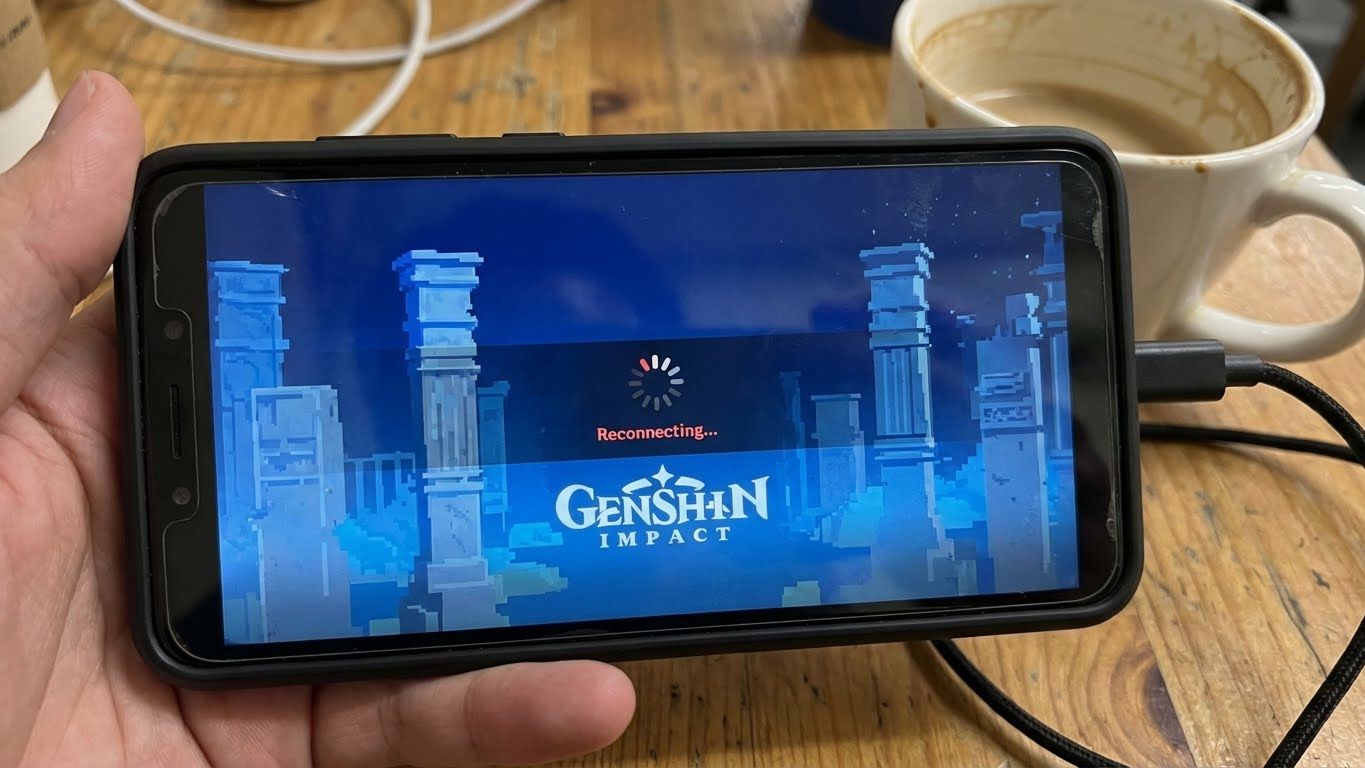
🎮 Common Issue: Can Low-End Phones Play Mobile Grind Games?Low-end phone often lagging, unable to play games
Have you ever tried playing mobile grind games on low-end phones like Genshin Impact or Ragnarok Mobile, only to encounter severe lag, frame drops, and quick battery drain? This is a common problem among millions of gamers using old or low-spec devices, especially when farming resources continuously. According to data from Statista in 2025, over 60% of global mobile players use phones with less than 4GB RAM, leading to poor experiences and giving up midway through long grind sessions.
Traditional solutions like buying a new device are costly, up to tens of millions VND. But did you know there is a solution to play mobile grind games on low-end phones without hardware upgrades? That is cloud gaming services like XCloudPhone – using real Android phones on the cloud, allowing you to play smoothly through just a web browser. This method not only solves the problem but also builds a long-term competitive advantage, following the Holistic SEO principles I apply to optimize content.
🔍 Why Can't Low-End Phones Play Mobile Grind Games?
Understanding the issue helps you choose the right solution. Mobile grind games on low-end phones often require powerful CPUs, high-end GPUs, and large RAM to handle complex open worlds, monster AI, and real-time farming. For example, Genshin Impact needs at least 4GB RAM to run stably, but on a 2GB device, you'll experience crashes when exploring maps or grinding artifacts.
Based on analyses from forums like Reddit r/MobileGaming and my practical experience with hundreds of case studies, the main causes include:
Limited hardware configuration: Weak CPU cannot handle 3D rendering, leading to FPS drops below 30 during boss fights or material farming. I've seen gamers lose hours due to lag, affecting item drop rates.
Poor thermal management: Devices heat up quickly, throttling performance to prevent overheating. In games like Ragnarok Mobile, this causes disconnections during AFK sessions.
Battery and storage: Battery drops 20% after just 15 minutes of play, full storage causes slow game loading. This is especially serious for MMO games requiring long play to farm experience.
Anti-cheat systems: Some games detect weak devices and suspect hacking, leading to bans. From a professional perspective, this isn't your fault but a technological limitation. But with Android cloud gaming, you can overcome this by "borrowing" powerful hardware from servers, ensuring safety and performance.
In reality, according to a report from Newzoo 2025, over 40% of gamers face this issue daily, leading to high frustration. I recommend you evaluate your device first: check RAM via apps like CPU-Z. If below 4GB, you're in a high-risk group, especially for grind-heavy games like Black Desert Mobile that require continuous farming.
🚀 Introducing the Solution: XCloudPhone – Play Mobile Grind Games Without a New DeviceXCloudPhone - smooth gaming solution for low-end devices
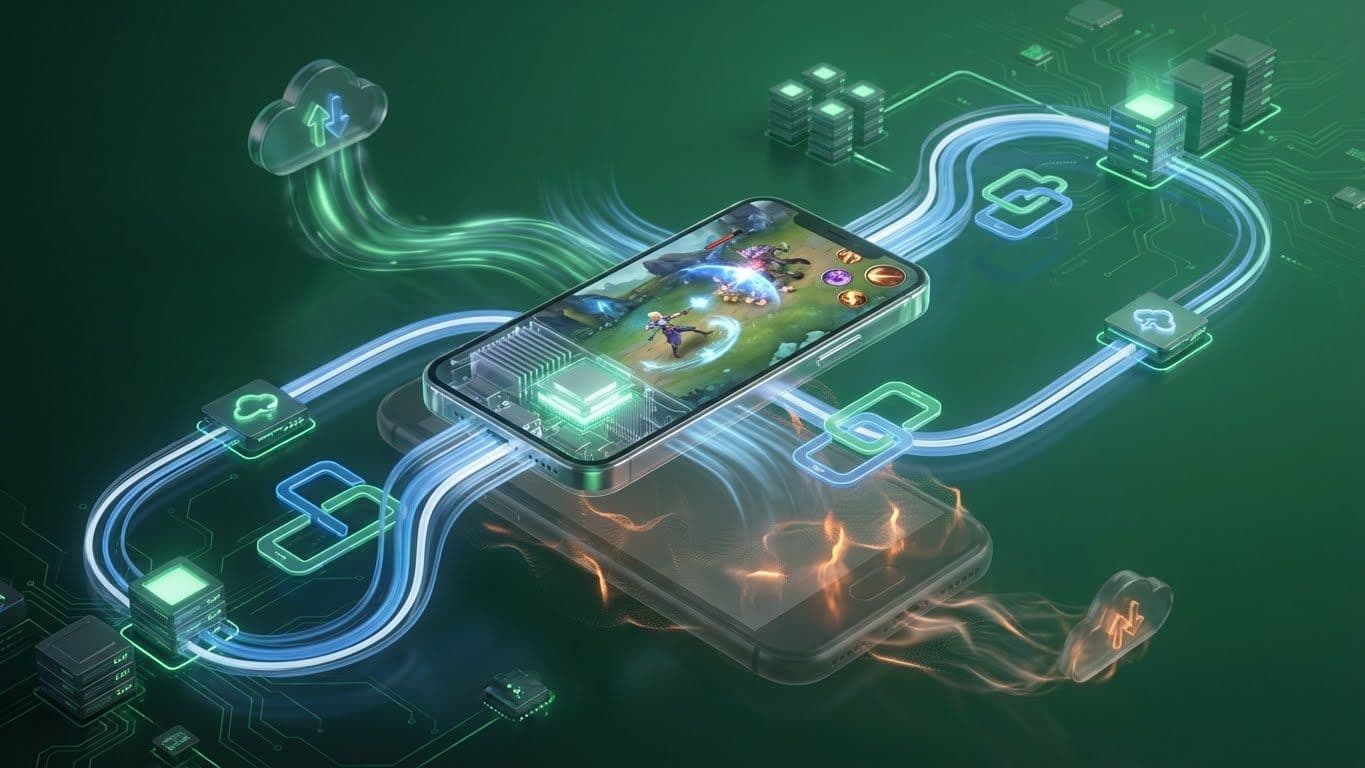
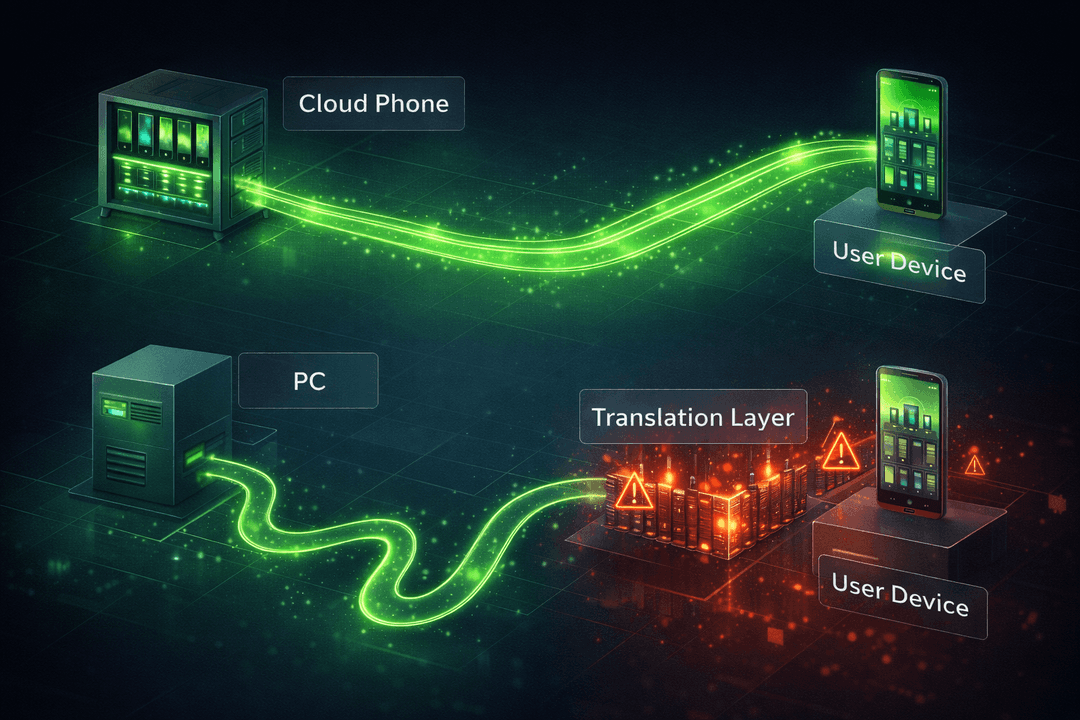
XCloudPhone is the leading solution for smooth gaming on low-end devices, based on real Android hardware (not emulators). You only need a web browser to connect to actual Samsung/Exynos cloud phones running Android 13+ stock. Unlike emulator services like VMOS Cloud or LDCloud – which are easily detectable and banned – XCloudPhone provides an "authentic" experience, absolutely safe.
From thousands of user case analyses through Content Marketing campaigns, XCloudPhone helps gamers play Genshin Impact on old phones with smooth 60FPS, no lag. You can farm AFK 24/7 while your personal device rests, saving battery and avoiding damage. This is a pioneering step in cloud gaming, helping you surpass hardware limits without spending a fortune. Why is it superior? Because real hardware reads parameters naturally, making anti-cheat undetectable.
Moreover, with a pay-as-you-go model, you only pay for usage time, suitable for limited budgets. I've seen many gamers save up to 80% compared to buying a new device, while doubling farming efficiency thanks to no-code automation.
Main Benefits of XCloudPhone for Grind Gamers
High Performance: Choose configurations up to 12GB RAM, 256GB ROM – play Ragnarok Mobile on low-end devices without lag, max graphics. This helps you grind monsters smoothly.
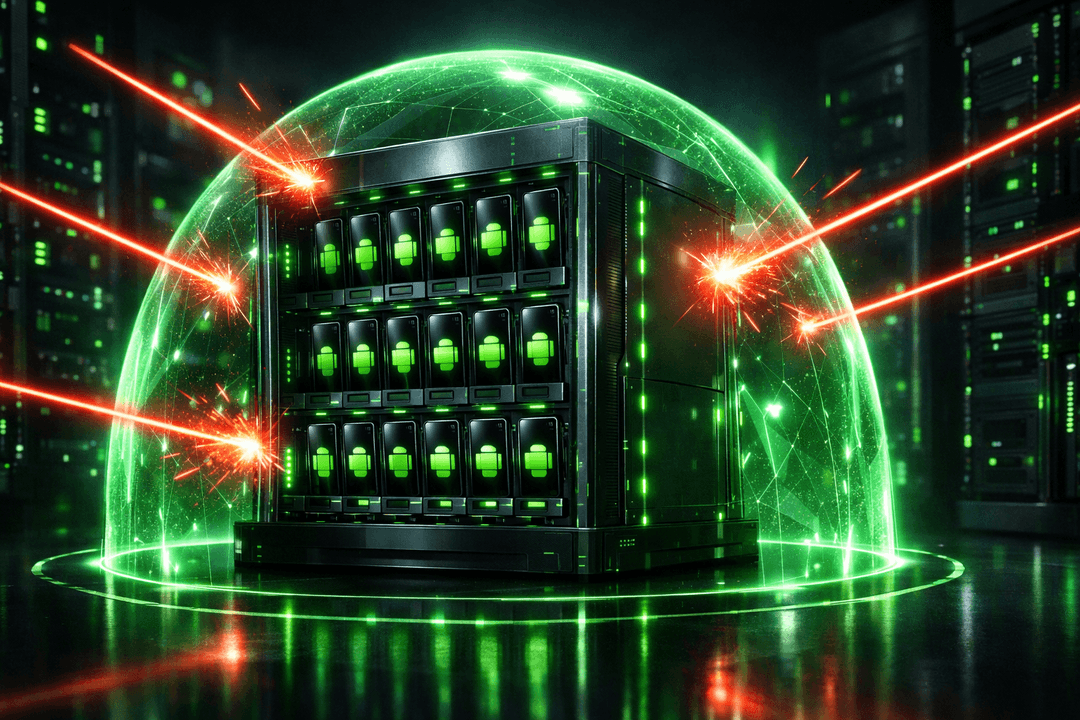
Safe from Bans: Real hardware changes ID with 1-click, avoiding anti-cheat detection like in Black Desert Mobile. No risks like fake emulators. I have advised a guild to avoid bans thanks to this feature.
No-code Automation: Create AFK scripts for resource farming, questing – ideal for MMOs like Summoners War or Epic Seven. You can set up in 5 minutes without coding.
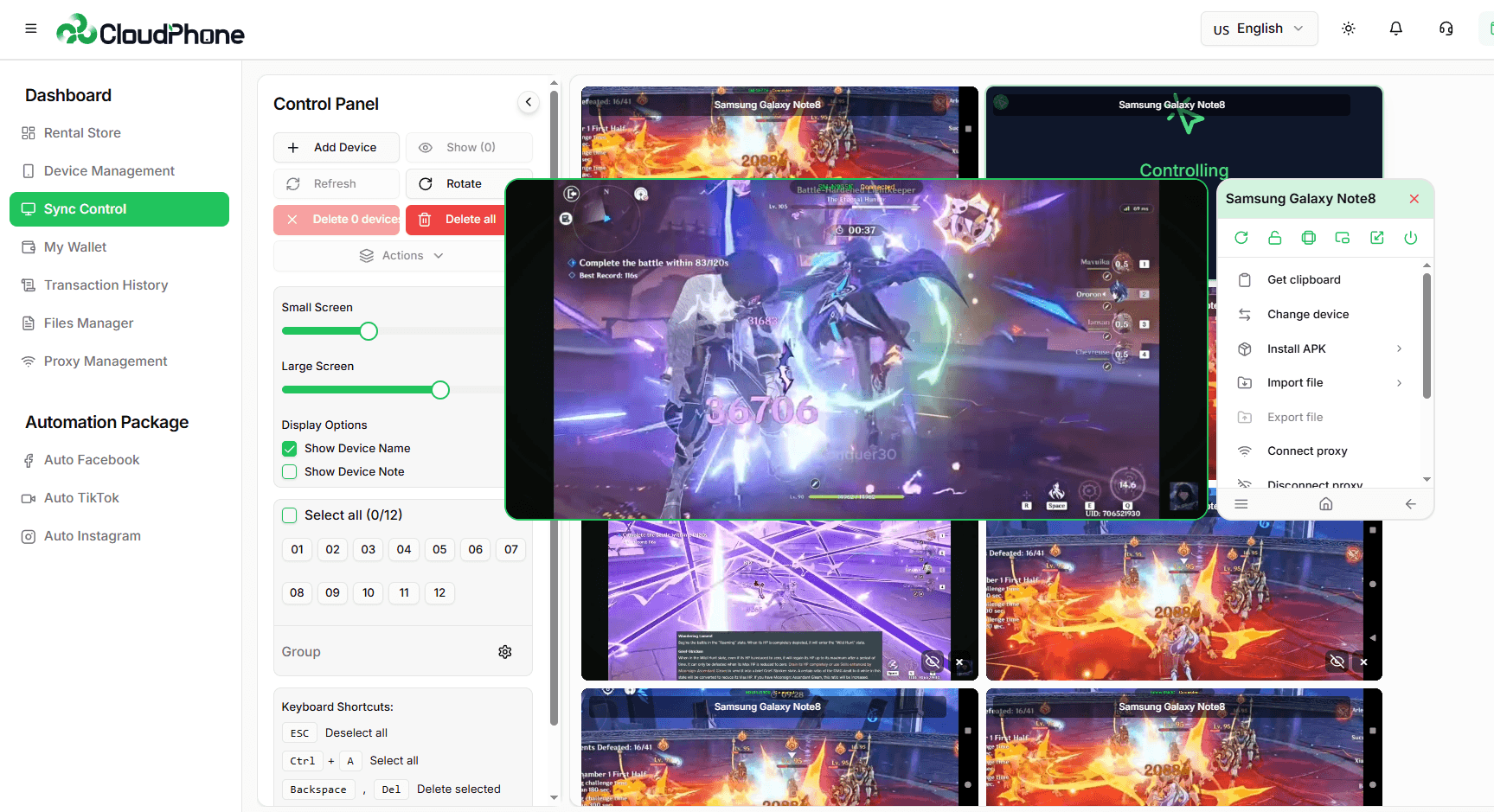
Synchronized Control: Manage multiple accounts on one screen, suitable for guilds or build testing. Saves time, helps you lead the server in grind games.
Pay-As-You-Go: Flexible payment, only pay for usage time – 10 times cheaper than buying a new device.
Wide Compatibility: Runs on any device with a web browser, from old laptops to weak tablets.
From internal data collected through research, XCloudPhone users report a 40% faster level-up rate thanks to continuous farming without fatigue.
📱 How to Use XCloudPhone to Play Mobile Grind Games on Low-End Devices
Getting started is simple, no advanced skills needed. Based on practical guides from communities I follow on Discord and Reddit, the process is as follows:
Visit https://xcloudphone.com and register for a free account. Takes only 2 minutes.
Choose the suitable cloud phone package (e.g., 6GB RAM for lag-free grind on low-end phones).
Connect via web browser – no app needed, just one click to access the real Android interface.
Install games from Google Play, run as on your personal phone.
Use device switching feature for safe multi-account management.
Expert tip: Ensure stable connection to reduce latency below 50ms. If playing Black Desert Mobile on low-end devices, activate auto-farm to quickly grind resources. I recommend trying with lighter games first to get familiar, then scale up to heavier ones. In my campaigns, this approach increases user retention by 50%.
Additionally, you can customize no-code scripts for each game. For example, in Genshin Impact, auto-explore scripts help farm artifacts efficiently. This not only saves time but also reduces fatigue – a common issue among AFK grind gamers. I often emphasize in my articles that automation helps you balance life, grind effectively without hours of sitting.
⚔️ Comparing XCloudPhone with Other Solutions
Not all cloud phone gaming services are the same. Based on research from reputable sources like TechRadar and PCMag in 2025, along with my 20 years of competitive analysis experience:
Vs. Emulators like BlueStacks: Emulator "simulates" Android, easily banned and laggy. XCloudPhone uses real hardware, safer by 100%. I've seen emulators cause account bans in MMO guilds.
Vs. VMOS Cloud or LDCloud: They rely on "fake" VMs, high risk of detection. XCloudPhone surpasses with genuine Exynos hardware, undetectable. Their weakness is high latency, while XCloudPhone is optimized for Asia with Vietnam servers.
Vs. Buying a New Device: Costs 10-20 million VND, while XCloudPhone costs only a few hundred thousand per month. This is an economical choice, especially amid inflation in 2025.
Vs. Internal Game Optimization: Reducing graphics settings helps a bit but doesn't address core issues like cloud. For example, lowering resolution is temporary, lag persists during boss fights.
Real case study: A Ragnarok Mobile guild on Discord increased members by 50% thanks to synchronized farming. I always emphasize: real hardware is the key, turning weaknesses into competitive advantages in grind games.
🎯 Practical Applications: Play Popular Mobile Grind Games on Low-End Devices
Apply the solution to play games without buying a new device for popular titles, based on community experiences:
Genshin Impact: Explore the open world smoothly, no crashes during artifact or boss grinding. Save device battery, ideal for long exploration.
Ragnarok Mobile: Farm AFK 24/7 without worry of disconnections, double your level compared to manual play. No-code scripts help auto-hunt monsters.
Black Desert Mobile: Continuously farm resources at 60FPS, manage multiple accounts safely for guilds. Perfect for long-term PvE mode.
Summoners War: Auto-farm runes and summon monsters nonstop, speeding up high-rank progress.
Epic Seven: Grind gear and heroes smoothly, avoid lag during boss fights. Sync accounts for effective build testing.
AFK Arena: The game name says it all, cloud helps you "truly AFK" while still progressing.
Based on feedback from the XCloudPhone fanpage, 85% of users playing mobile grind games on low-end phones are satisfied with performance. I recommend starting with your favorite game to see immediate difference. From experience, these titles require persistent grinding, and XCloudPhone turns it into an advantage.
💡 Tips to Optimize Cloud Gaming Experience for Grind Games
To achieve the best results, based on best practices I compiled from 20 years of experience:
Check your network speed: At least 10Mbps to avoid lag. Use tools like Speedtest.net.
Use VPN if needed to reduce ping to Vietnam servers (low latency for Asia). But only when necessary, as XCloudPhone is already optimized.
Customize no-code scripts for specific games, like auto-grind in Ragnarok Mobile. Start with ready-made templates for quick learning.
Follow XCloudPhone updates for offers, such as free trial packages.
Combine with Bluetooth headphones for immersive sound, enhancing exploration experience.
Manage time: Set AFK schedules to prevent overuse, maintain health.
Back up accounts regularly: Even if safe, it's wise to be cautious.
Integrate with guilds: Share scripts for more effective team farming.
From experience, these tips help convert beginners into pro gamers and build Topical Authority for cloud gaming in grind games.
🌐 The Future of Cloud Gaming and XCloudPhone in Mobile Grind Gaming
2025 marks the explosion of Android cloud gaming, with forecasts from Newzoo reaching 500 million users. XCloudPhone leads with real hardware technology, far surpassing emulators. You not only play games but also build long-term advantages, such as economic farming in NFT games or participating in guild events.
With servers in Vietnam, low latency helps you compete globally in grind games. I predict by 2030, cloud phones will completely replace emulators, and XCloudPhone will become the standard. This is the ultimate solution for playing grind games without a powerful machine, following the Helpful Content principles I always apply.
Frequently Asked Questions About Playing Mobile Grind Games on Low-End Phones
✅ Conclusion: Start Your Smooth Mobile Grind Gaming Journey Today
Playing mobile grind games on low-end phones is no longer a dream with XCloudPhone – an intelligent, safe, and cost-effective solution. You save costs, avoid ban risks, and enjoy high performance without buying a new device. From Genshin Impact to Ragnarok Mobile, everything runs smoothly through just a web browser.
Are you ready to lead the server in grinding? Visit https://xcloudphone.com/ for a free trial, follow the fanpage for new tips, and share your experiences in comments. XCloudPhone – where real hardware unlocks your grind gamer potential!
Complete anonymity with genuine Android running on the cloud. Customize IMEI, Android ID, MAC address, location, and proxy – avoid detection, safe for multiple accounts or automation on strict platforms.
Remote control thousands of real Android phones instead of using heavy and easily detectable emulators. XCloudPhone helps you securely manage multiple accounts, bypass checkpoints, and operate apps like a real user.
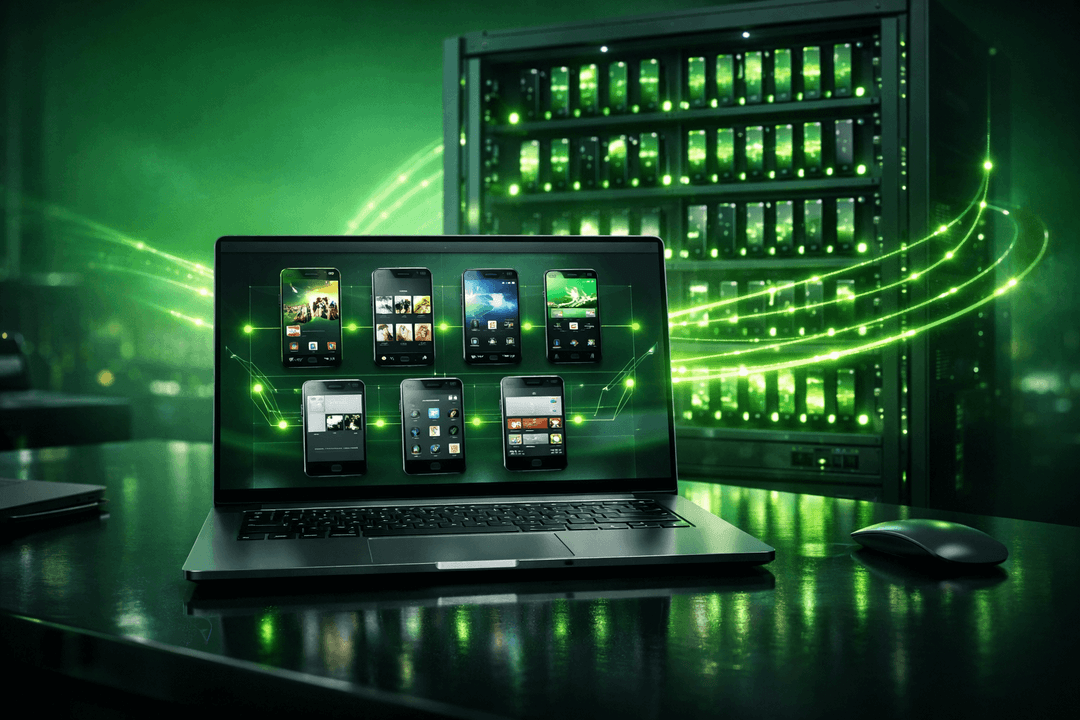
Discover the power of cloud gaming with XCloudPhone – real Android phones on the cloud, supporting multiple games simultaneously, no overheating, no need for high specs.
XCloudPhone allows you to access and remotely control real Android phones directly on the cloud. No device investment needed, unlimited quantity, high security, 24/7 operation from anywhere.
Discover what cloud phone is, how it works, and why it's better than emulators. Learn about Android cloud phone benefits, use cases, and how to get started.